Animate a still you own
Give a portrait you hold the rights to one deliberate camera move, so the clip reads as directed rather than stumbled into.
Input · Authorized imageMotion · Slow dolly-in
Describe a scene, or bring an image you have the rights to use. Compare the live model catalog, read the Credit estimate, and generate in a private studio built for adults.
Free to start. Upload a JPG, PNG, or WebP image up to 5 MB that you have the rights and consent to use, then continue in the workspace.
Text to Video, Image to Video, and Reference to Video share one workspace, so the steps stay the same when you switch modes.
Write the subject, action, camera move, and light, or upload an authorized image that establishes the first frame.

Each published model exposes only the durations, aspect ratios, and resolutions it supports. Clips longer than six seconds and 1080p or higher need a monthly plan.

Confirm the Credit estimate, send the request, then replay, download, or reopen the setup from your history.

Every starting point is a prompt configuration you can load into the generator and edit. The source image carries appearance; the prompt carries motion.
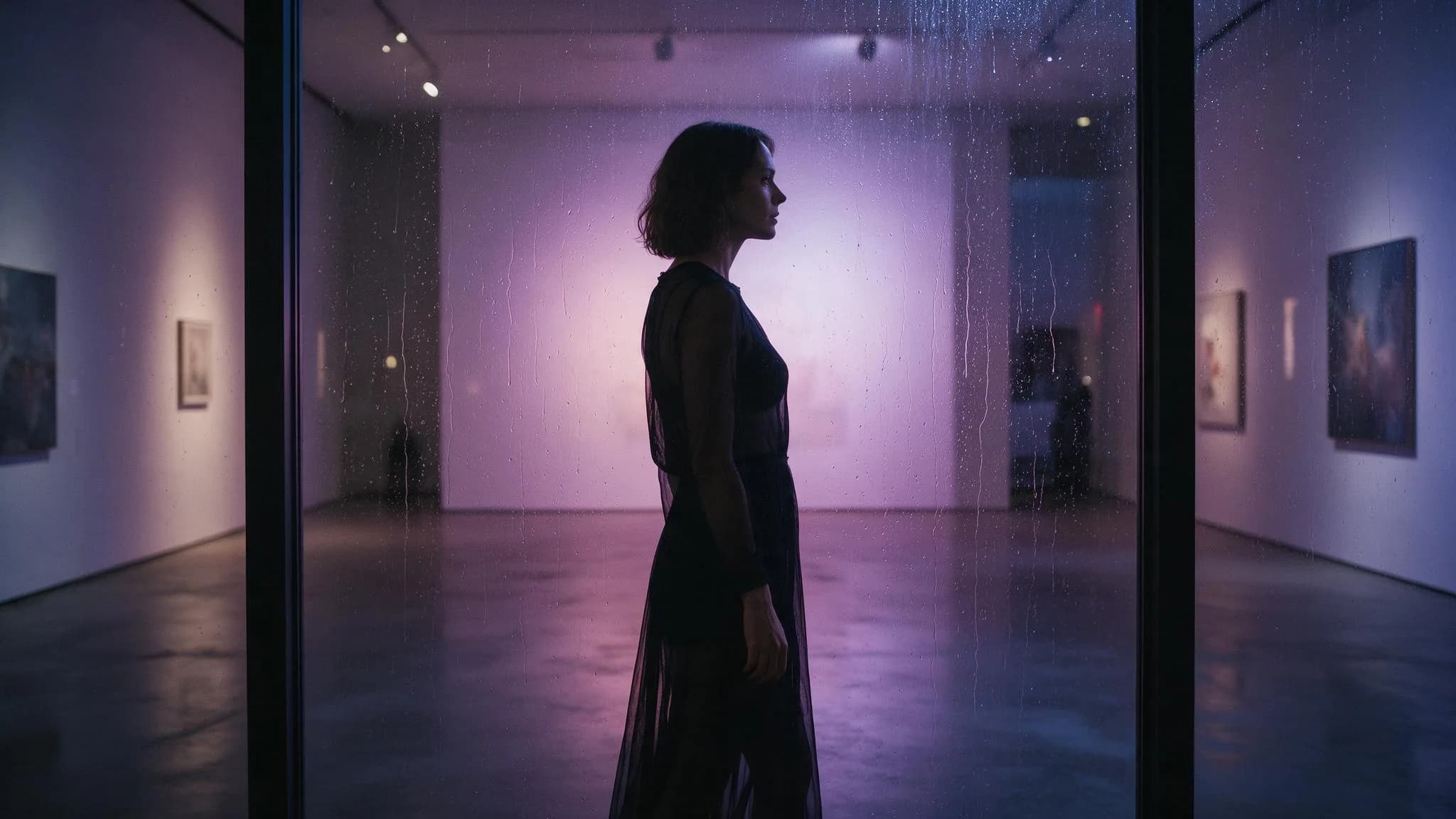 Dolly inMotion 15sRain-lit gallery trackTrack slowly beside the subject in the rain-lit gallery; keep the profile and the frame while rain reflections drift across the glass.5s · 16:9 · Illustrative setupLoad this setup
 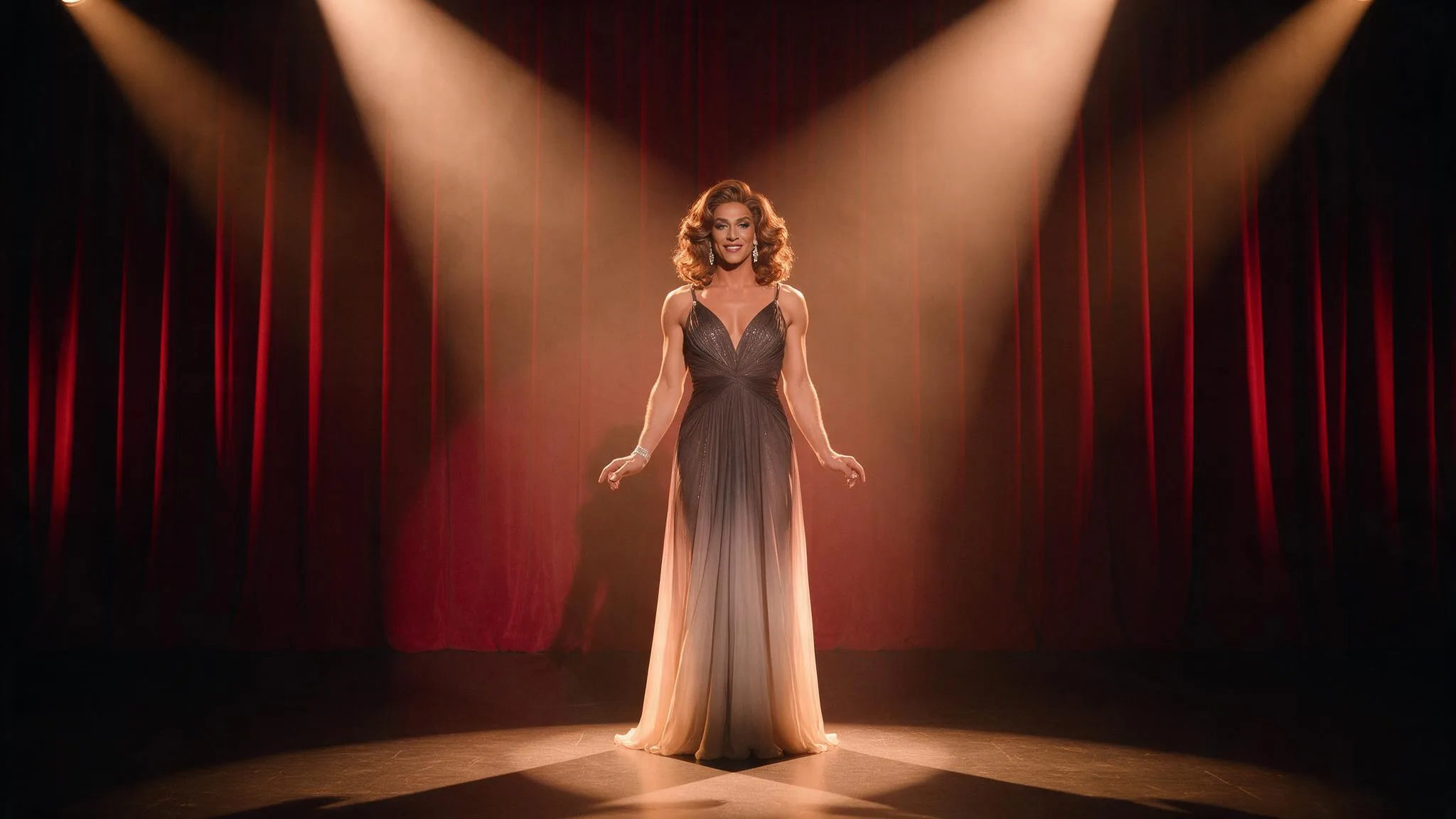 OrbitMotion 28sAmber stage dolly-inMove the camera gently toward the performer on the amber-lit stage; keep the stage centered as the gown and practical lights shift.8s · 16:9 · Illustrative setupLoad this setup
 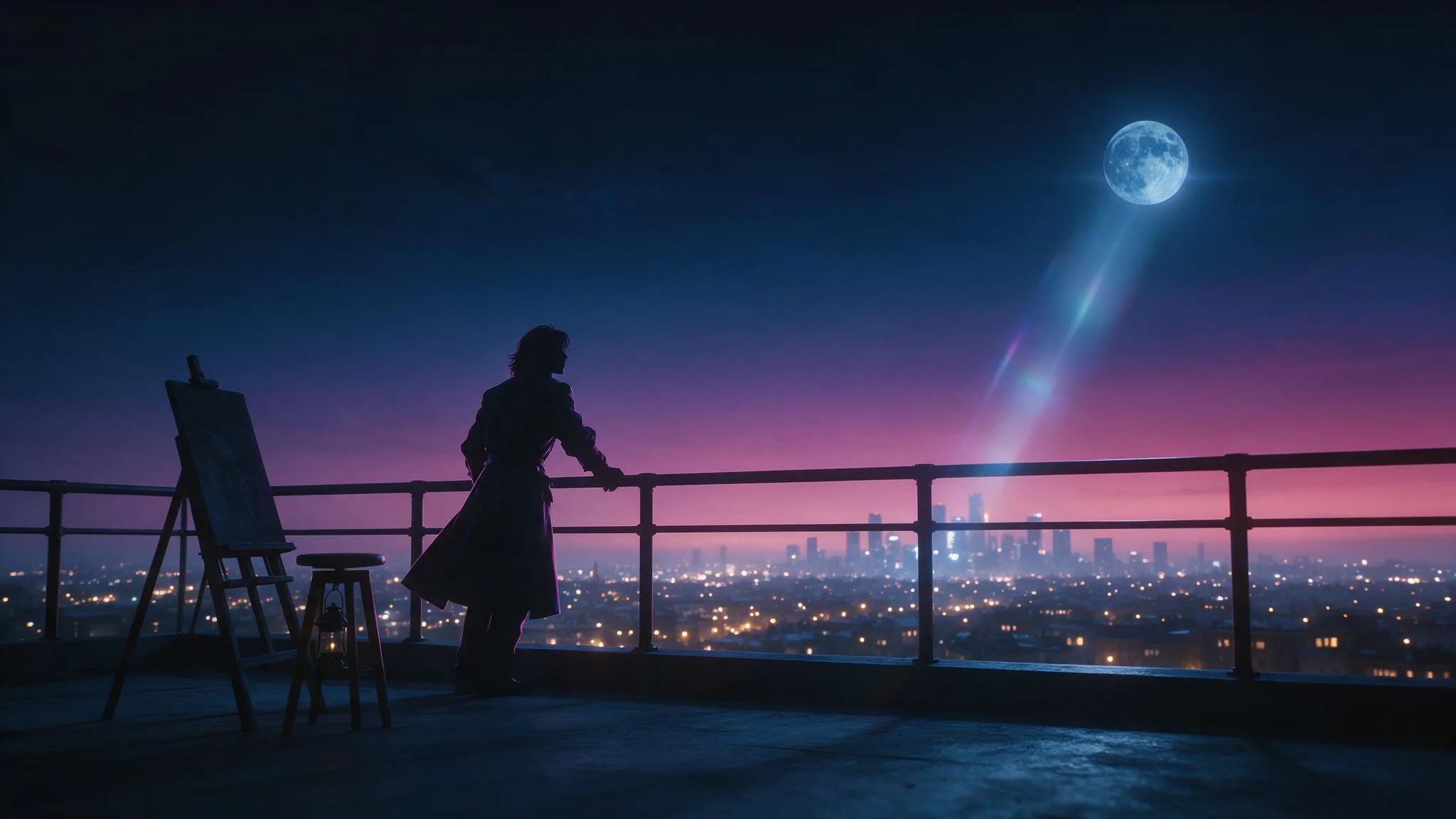 TrackMotion 35sRooftop orbitOrbit calmly around the silhouette on the rooftop; hold the horizon while the coat and the distant lights move with depth.5s · 16:9 · Illustrative setupLoad this setup
 Illustrative configurations · not generated results
Three working patterns, each starting from material the creator is allowed to use.
Give a portrait you hold the rights to one deliberate camera move, so the clip reads as directed rather than stumbled into.
Test framing, pace, and direction across a location before committing Credits to a longer idea.
Explore mood through costume, light, and camera direction without depending on an identifiable face.
Subscribe to unlock Premium generation options and keep completed generations without automatic expiry. Without an active subscription, completed results remain available for 7 days; one-time Packs add non-expiring Credits but do not extend media retention.
Start with monthly Credits and full Premium access throughout each paid 30-day period.
Billed $149.90 yearly
145 credits each billing period
SubscribeCreate more often with a larger monthly allowance and full Premium access throughout each paid period.
Billed $299.90 yearly
390 credits each billing period
SubscribeOur largest monthly allowance for intensive creation, with full Premium access throughout each paid period.
Billed $599.90 yearly
975 credits each billing period
SubscribeAccess, cost, and rights are decided up front, so the only remaining question is what you want to direct.
Text to Video, Image to Video, Reference to Video, Text to Image, and Image to Image share the same form, balance, and history, so switching modes does not mean learning a second tool.
Model, duration, aspect ratio, and resolution are published by the live catalog. A control only appears when the selected model actually supports it, so nothing on the form is decorative.
The Credit cost follows the model, duration, resolution, and mode. You see it before submitting, and the same figure is recorded with the result in your history.
Durations beyond six seconds and resolutions from 1080p upward unlock with a monthly plan. Without a subscription, completed results stay available for seven days.
Access is adults-only, and any source image needs the rights and informed consent behind it. Intimate or identifiable material of someone who has not agreed is refused.
Uploads, prompts, and results belong to your account. Completed generations can be replayed, downloaded, or reopened as a starting point whenever you need them again.
What the studio does, what a generation costs, and what you may bring into it.
DeepSpicy runs five creation modes from one workspace: Text to Video, Image to Video, Reference to Video, Text to Image, and Image to Image. Output models come from the live catalog, so the settings on screen are the ones the selected model supports.
Upload a JPG, PNG, or WebP image up to 5 MB that you hold the rights and consent to use, then describe the motion. The image fixes appearance and framing; the prompt directs subject action, camera movement, and pace.
Model, duration, aspect ratio, and resolution are published per model. Durations longer than six seconds and resolutions from 1080p upward require a monthly plan; everything else depends on the model you select.
Ask for one motion per generation: a single camera move or one action. Keep the source image sharp and uncluttered, state the light, and avoid stacking several moves into one prompt. Revise one variable per attempt instead.
The Credit estimate appears before you submit and follows the model, duration, resolution, and mode you chose. Plans and one-time Credit packs are listed under pricing, and Credits are deducted when a request is accepted.
Only with that person's informed consent and the rights needed to process the image. DeepSpicy is adults-only, and intimate or identifiable material of someone who has not agreed is prohibited and grounds for account action.
Start from a scene you can describe or an image you are allowed to use. Compare the live models, read the Credit estimate, and keep the result in a private history.
Sign up to create consent-first adult videos and manage your credits.